Sale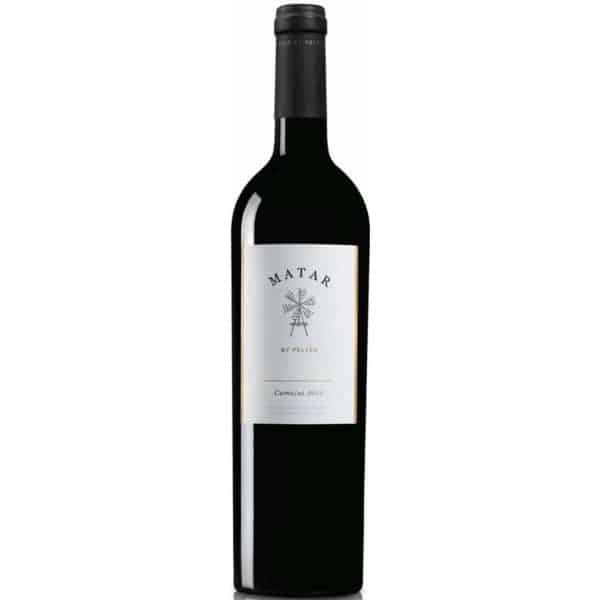
Wine & Spirits
Primitivo di Puglia Zin
Pasqua · bold red for grilled meat
$38$46
Semantix product for ecommerce search recovery
Search Saver restores relevant matches when your search engine misses shopper intent.
No redesign. No chatbot. Plugs into your existing storefront.
Home/Search results
0 products for “red wine for steak under $40”
No products found
Your search for “red wine for steak under $40” did not match any products.
Wine & Spirits
Pasqua · bold red for grilled meat
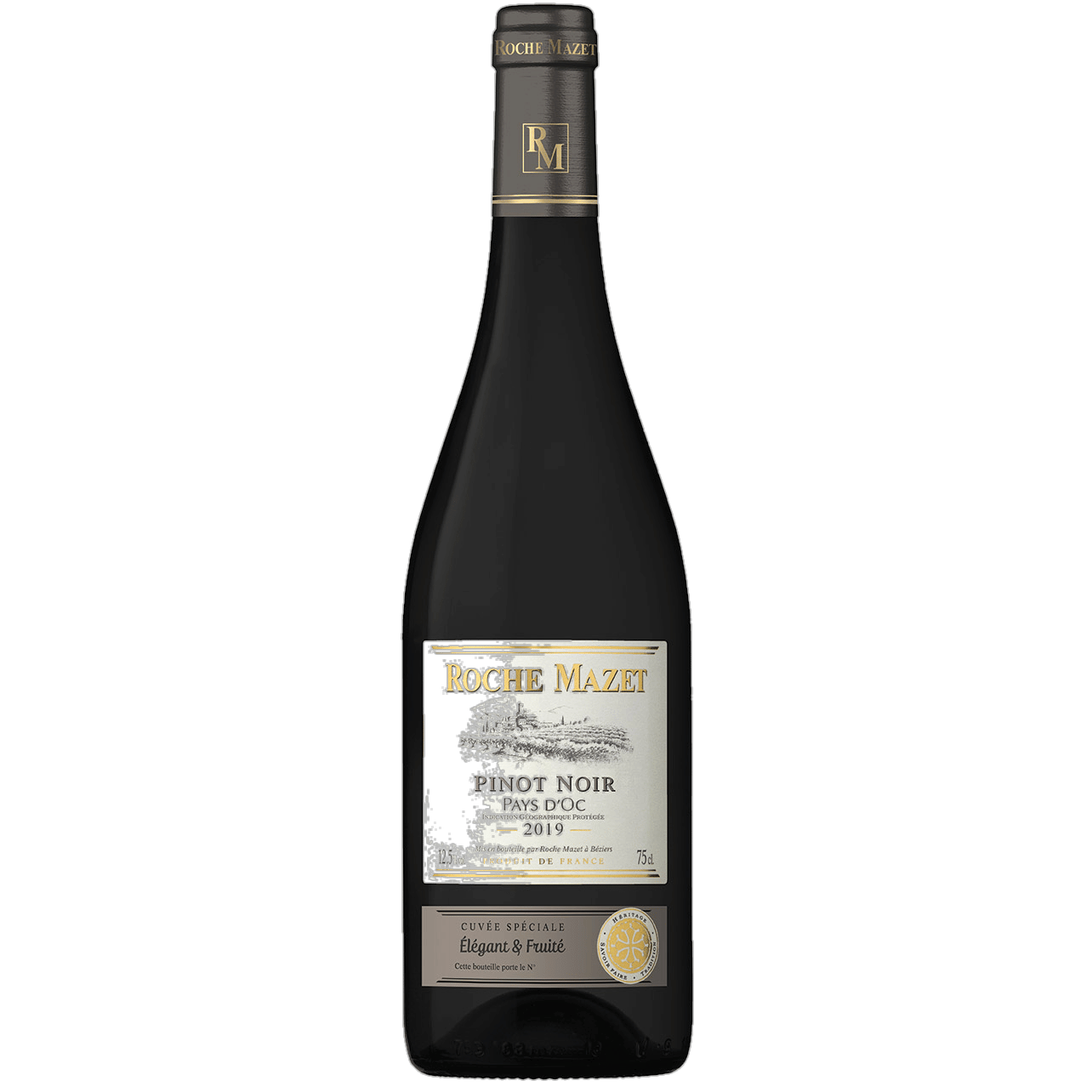
Wine & Spirits
Kosher · medium body
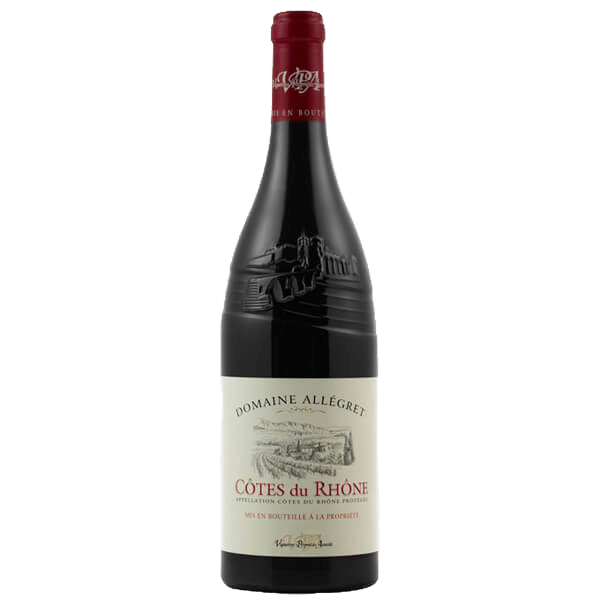
Wine & Spirits
Piedmont · structured tannin
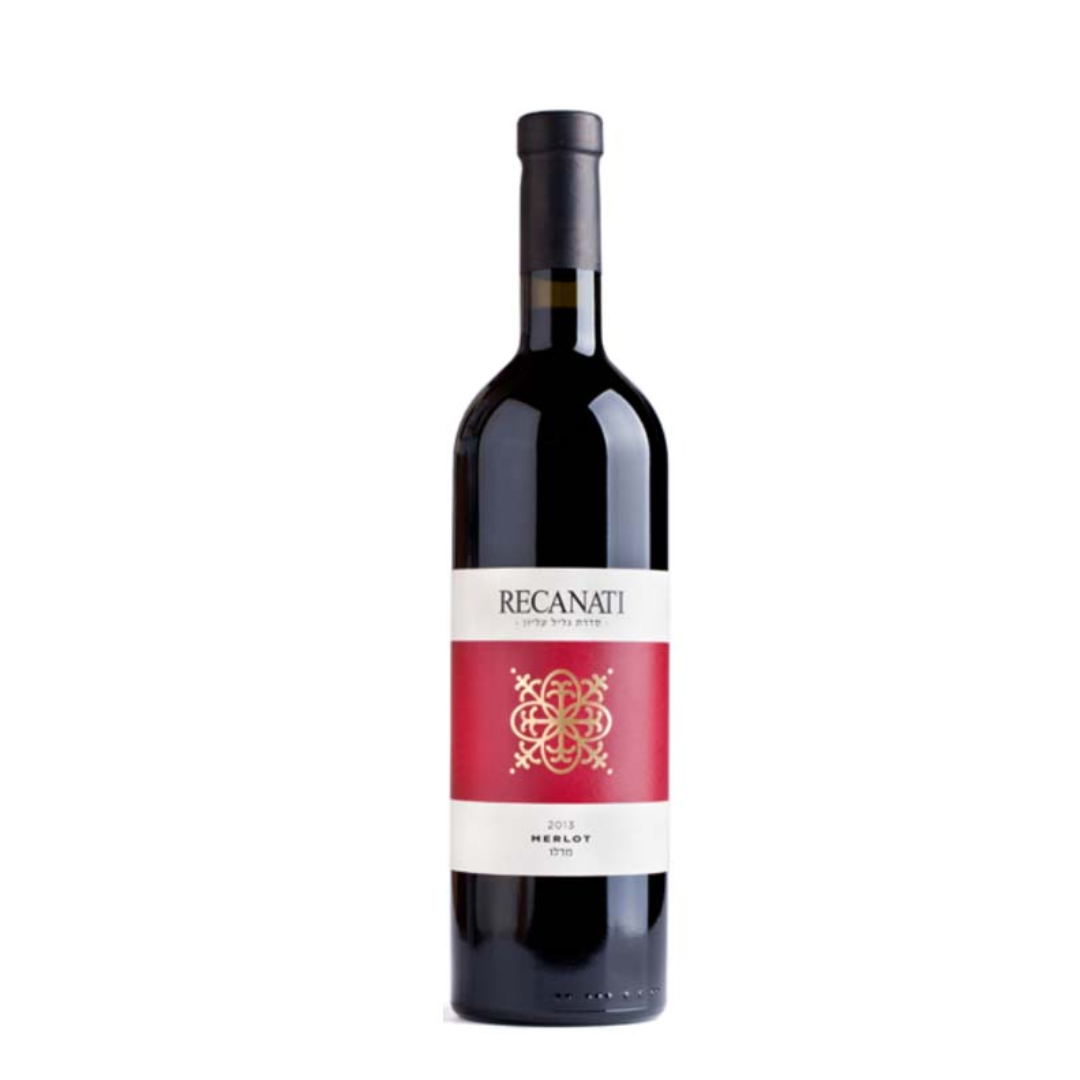
Wine & Spirits
Grill-friendly · under $40
Wine & Spirits
Peppery finish · steak pairing
Wine & Spirits
Classic steakhouse red
One problem we solve
Search Saver does one thing: recover queries that return nothing. It does not re-rank noisy grids, inject into healthy results, or replace your search engine.
Shoppers type a real product need and your search returns zero results — a lost session that Search Saver recovers in place.
Small spelling mistakes or alternate phrasings that your engine cannot match still end as “no products found.” Search Saver recovers them.
Use-case and occasion queries often return nothing from keyword search. Search Saver recovers those empty results from your catalog.
How the layer fits in
The storefront stays in place. Search Saver watches for no-results searches and intervenes only when the current experience returns nothing.
Existing search bar
Search results continue to render in the current storefront.
Search Saver layer
Installs in about five minutes and activates only when search returns no results.
No-results recovery
When your existing search hits zero results, Search Saver restores relevant products on the same results page — no inject, no re-ranking noise, no storefront rewrite.
Example 01
When the native search ends on zero results, Search Saver restores relevant products in place.
Searching catalog...
The shopper still sees the same search bar.
Example 02
Shoppers describe what they want. If your search finds no matches, Search Saver recovers the dead end.
Searching catalog...
The shopper still sees the same search bar.
Implementation
Most teams start with Search Saver before considering a full search migration.
Implementation flow
The agent, live
When your existing search returns nothing, Search Saver reads the query, recovers relevant products from your catalog, and keeps shoppers on the same results page.
Live query
"wineter jacket"
No results recovered
Recovered revenue dashboard
Search Saver does not re-rank or inject. It shows which no-results searches were recovered and what revenue they generated.
Recovered searches, recovery rate, and revenue recovered — by query.
Top no-results queries and top recovered products in one view.
From a live Search Saver deployment
40,195
Recovered searches
No-results queries recovered in place.
$40,380
Recovered revenue
Revenue attributed to recovered zero-result sessions.
32%
Recovery rate
No-results searches successfully recovered.
Revenue recovered
Recovered searches and revenue captured over the last seven days.
Top no-results queries
Search terms that returned zero results — and what was recovered.
| Query | Issue | Revenue recovered | Top recovered products |
|---|---|---|---|
| red wine for steak under $40 | No results | $8,420 | 4 wines |
| wineter jacket | No results | $6,180 | Winter jackets |
| chianti clasico riserva | No results | $10,940 | Chianti reserves |
| moisturizer for dry sensitive skin | No results | $7,360 | Skin-care matches |
Why not just replace search?
Most teams do not need a new search funnel. They need to recover revenue from searches that return nothing inside the current experience.
| Option | Time to launch | UX risk | Revenue visibility | Best for |
|---|---|---|---|---|
| Rebuild search | Weeks / months | High | Slow | Full search migration |
| Add chatbot | Medium | Medium | Unclear | Support-style journeys |
| Manual synonyms / rules | Ongoing | Low | Limited | Known query fixes |
| Search Saver | Fast | Low | Recovered revenue dashboard | Recovering no-results search revenue |
Who this is for
If shoppers search by use case, occasion, budget, or style — and your engine hits zero results — Search Saver recovers those dead ends from your catalog.
Why this is different from replacing search
Most teams do not need to replace search first. They need to recover the no-results moments that already cost revenue.
Shoppers keep the same storefront and search interaction.
The layer activates only when search returns zero results.
Teams can measure recovery in searches saved and revenue restored.
It recovers no-results searches without a long migration cycle.
FAQ
No. It works as a layer on top of your existing search experience, so you can recover no-results searches without rebuilding your storefront search.
No. Search Saver keeps shoppers inside the native search experience instead of sending them into a separate chat flow.
Only no-results searches — queries that return zero products from your existing search. Search Saver does not re-rank noisy results or inject into healthy result pages.
The integration is designed to be lightweight. Most teams can start by connecting their catalog and adding a script, without a redesign or migration.
Shopify, WooCommerce, and custom ecommerce storefronts.
The dashboard tracks recovered searches, recovered products, recovery rate, and attributed recovered revenue.
How we fix it
Patch no-results queries in minutes with Search Saver, or replace ranking outright with Semantix Search — same AI engine, two ways in.
Start here
Plug-and-play AI agent on top of your existing search.
A lightweight layer that sits on top of your existing search and recovers no-results queries in real time — when shoppers hit zero products, Search Saver restores relevant matches on the same results page.
See how it works →Upgrade
The full multi-layer hybrid search engine.
Multi-layer, multilingual hybrid search that understands semantic, complex, and standard queries, ensuring every query leads to the most accurate result — combining boosting, profiling, and personalization so every shopper is routed to their preferred result.
See how it works →Search Saver by Semantix
Search Saver installs as a thin AI layer on top of your existing search bar, recovers no-results queries in place, and makes recovered revenue visible fast.